
Frequently asked questions (FAQS)
Welcome to the FAQ page for the OUSD Expanded Learning Summer Institute 2026!
We’ve compiled answers to the most common questions to help make your experiences as smooth and rewarding as possible. Whether you’re wondering about registration, transportation, workshops, accessibility, or support elements, this page is designed to provide quick and clear information at your fingertips.
Quick Links
GENERAL
-
Summer Institute is an annual launching pad for Expanded Learning Program Coordinators, Agency Directors, and partners to be prepared, inspired, and aligned for the new school year. Summer Institute provides youth practitioners with compliance training, district support resources, youth and staff development, workshops and opportunities to develop partnerships with other leaders in Oakland’s after-school landscape. Learn more on the About page.
-
This year, the Summer Institute is July 27th through July 30th. You can find a more detailed schedule on the Events & Workshops page.
-
On July 27th through July 30th, Summer Institute will be at the California Endowment, 2000 Franklin Ave, Oakland.
On July 30th, Summer Institute’s Joy Fest will be held at Brookfield Elementary 401 Jones Ave, Oakland.
-
Summer Institute events are for Expanded Learning partners only. All four days contain key programming and compliance information that will require participants’ full attention. Liability coverage is only provided for Lead Agency and OUSD staff; these legal protections are not extended to the presence of minors for the duration of Summer Institute. Please plan accordingly.
Registration
-
To register, go to the Registration page and complete the registration form.
When you register for the event, you also register for the app. Please use the email you used during registration to log in to the app.
-
Summer Institute’s primary participants are Site Coordinators and Agency Directors and space is limited. Please contact ExLO Program Manager Laila Jenkins-Perez to immediately confirm there is adequate space to invite your program assistant.
-
It is mandatory for all site coordinators to attend each day of Summer Institute. Agency Directors are required to attend on July 29th and are invited to attend all Summer Institute events.
MOBILE App
-
OUSD Expanded Learning leaders, including Site Coordinators, Agency Directors, presenters, and other partners can use this official mobile app to:
View all event information and updates offline
Review the agenda for this year’s Summer Institute
Build your own personal agenda with automated reminders
Connect with attendees through interest & chat
Share videos, photos, and other fun moments with attendees
Receive rmeinders and real-time announcements
-
Download the app from the App Store if you have an iPhone, or from the Google Play Store if you have an Android Device.
Look for the mobile app called “OUSD ExLO SI”
You can also visit the Mobile App page on the website to scan the QR code that will take you to the download page.
-
Open the app on your mobile device and click “Login” on the home page.
Input the email you used to register for the EXLO Summer Institute and click “Next”.
Enter the OTP (One-Time Passcode) sent to your email address to access your account.
-
To see your personal agenda, open the app and on the home page press on the “Agenda” icon. Then on the top right, press on “My Sessions”. This page will show you the sessions you have RSVPed to for each day.
-
While it's not necessary, we highly encourage the use of the mobile to RSVP, easily track workshops, and receive real-time announcements throughout the week.
-
With iOS / iPhone or iPad:
- In the Settings app, tap Apps.
- Tap the app that you want to turn notifications on or off for.
- Tap Notifications.
- Turn Allow Notifications off or on.
For Android:
- Open Settings:
- Access Notifications:
Navigate to the "Notifications" section. The exact wording might vary slightly depending on your Android version (e.g., "Notifications" or "Sound & notifications").
- Find App Settings: Within the notifications settings, find and tap on "App settings" or a similar option like "App notifications".
- Select the App: Scroll through the list of apps or use the search function to find the specific app you want to adjust notifications for.
- Enable or Disable Notifications: Once you've selected the app, locate the "Show notifications" or "Allow notifications" toggle switch and ensure it's turned on or off
-
Please email OUSDSummerInstitute@gmail.com to receive technical support with the app or your account.
day of logistics
-
Visit the Venues page for driving directions, public transportation, and more.
-
-
Light breakfast, snacks, lunch, and various refreshments will be provided throughout Summer Institute. Feel free to supplement with your own as well. Please bring your water bottle.
-
Yes, California Endowment provides a secure locker room to store travel items.
-
Guide dogs and assistance animals for people with disabilities are permitted but must be on leash at all times and muzzled, if necessary.
No other animals are permitted.
-
Smoking and vaping are prohibited in all areas of the California Endowment and Brookfield Elementary School.
-
While we encourage the use of cellphones to engage with the app, phone calls are restricted to the lobby and outdoor areas to minimize disruption to meetings and working staff. We also ask that you refrain from engaging with the app or your phone during workshop sessions.
Workshops
-
To RSVP to workshops:
Download the app and log in to your account by using the email you registered with.
Enter the OTP (One Time Passcode) that is sent to your email. No password is needed.
Once logged in, navigate to the “Agenda” page
On the agenda page, select your workshop option to RSVP, then select the “RSVP” toggle so that it switches to “Yes”.
-
While not required, it is strongly suggested since some workshops have limited capacity due to the meeting room and the workshop's structure.
Once you have RSVPed for the workshops, you will be able to see your sessions together under “My Sessions”.
-
There are workshops that are open to all and others that are tailored for specific roles and grade levels. On the app, you can use the filter tool to view the available workshops that apply to your role or grade level.
-
Learn more about the workshops on the Events and Workshops page on the website or on the "Agenda" tab on the app.
JOY FEST
-
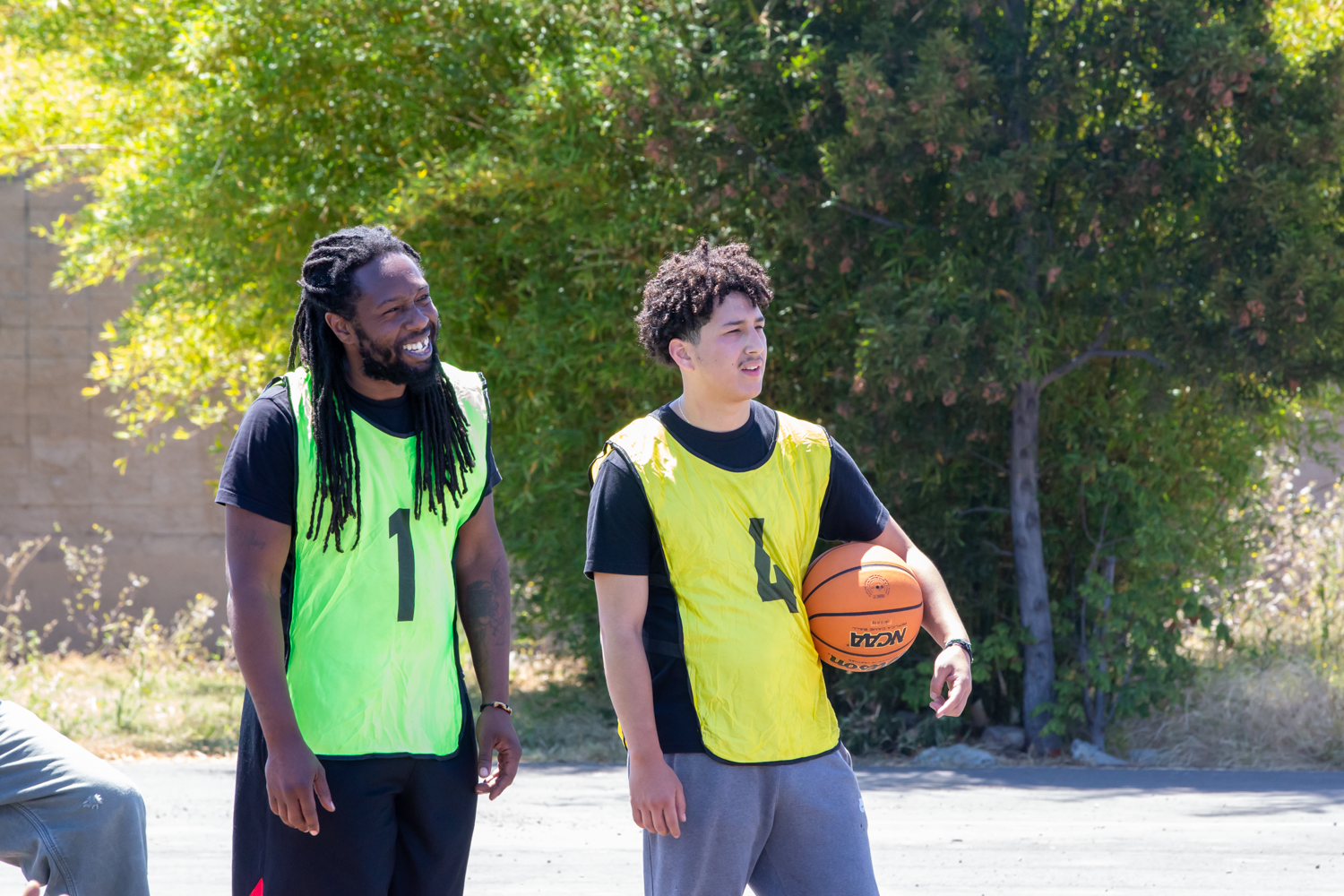
JOY FEST decodes CDE’s expanded learning expectations by providing OUSD youth service practitioners with of immersive professional development experiences. Participants engage in a diverse array of indoor & outdoor activities mirroring robust after-school programs. Attendees select from a range of activities guided by industry professionals as well as those that are self-led, fostering independence & confidence with opportunities to practice SEL skills. This adventure amplifies the importance of empowerment while participants demonstrate voice and choice in crafting their Joy Fest journey.
Joy Fest is a reset and a rally. The intention is to honor the passion and purpose of expanded learning champions who impact up to 18K OUSD youth - daily, to calibrate as a community, ignite motivation, and launch the year embodying inspiration, momentum, and excitement.
-
Joy Fest is on the last day of Summer Institute, Thursday, July 30th.
-
Expanded Learning Program Coordinators, Agency Directors, and partners who registered for Summer Institute are all invited to attend this afternoon filler with fun activities, opportunities to connect, and lots of Joy!
-
As a part of ExLO Summer Institute events. Though Joy Fest provides interactive opportunities, it still counts as working hours.
Joy Fest is a festivity for OUSD Expanded Learning partners only. Though this event provides celebratory activities, it still counts as working hours. Liability coverage is only provided for lead agency and OUSD staff; these legal protections are not extended to the presence of minors for this event. Please plan accordingly.
This event is for Expanded Learning partners only. All four days will be jam-packed with key programming and compliance information that will require our partners' full attention. Childcare will not be available.